
简会科技LOGO

5 Manual Drawing-Reading Pain Points—Solved One by One with AI

Manufacturers face high drawing volumes, messy formats, and complex parameters, with inspection heavily dependent on senior technicians. Jianhui AI Drawing Recognition delivers a targeted solution for each pain point.

5 Problems

  • Very Low Efficiency: Slow Reading, Batch Backlog

    A single complex drawing takes 15-30 minutes to read manually. New product sampling and first-article inspection create heavy drawing review loads that seriously delay delivery in peak seasons.

  • High Mis-inspection Rate: Wrong Dimensions, Missed Tolerances

    Visual fatigue and limited experience cause dimension misreads and missed tolerances, driving batch rework, scrap, and persistently high quality costs.

  • Heavy Staff Dependency: Skills Gap When Veterans Leave

    Core inspection capability is tied to senior technicians. New hires cannot read drawings well, so staff turnover creates inspection capability gaps.

  • No Standardized Reports: Hard to Prove Compliance in Audits

    Handwritten ledgers are messy and inconsistent, making it hard to provide evidence during customer audits and IATF16949 system reviews.

  • Data Cannot Be Retained: Drawing Information Silos

    Drawing data cannot be digitally retained for quality analytics, and cannot integrate with MES or QMS systems.
Jianhui AI Drawing Recognition Solves Them One by One

  • AI Batch Recognition: 10s/Drawing

    10× Faster Drawing Reading

    Supports batch upload of PDF, JPG, and PNG. AI automatically extracts dimensions, tolerances, datums, hole positions, and GD&T, then outputs inspection forms in one click.

  • 95%+ Accuracy: AI Denoise & Enhancement

    40% Lower Part Rework Rate

    Built-in AI denoise and image enhancement algorithms stably recognize typical shop-floor photos and scans, capturing all critical parameters without omission.

  • Standard Templates: Faster New-Hire Onboarding

    Halve Inspection Headcount, Reduce Veteran Dependency

    Supports custom inspection templates for sheet metal, elevator, heavy industry, and precision parts, unifying standards and enabling long-term template reuse.

  • One-Click Reports: Auto Balloon Annotation

    Pass IATF16949 Audits with Ease

    Recognition results are automatically balloon-annotated on the drawing. Export standardized Excel inspection reports in one click, with electronic archiving and full traceability.

  • Data Archiving & Integration: End-to-End Connectivity

    Pass IATF16949 Audits with Ease

    Drawing recognition data is archived automatically and can connect to quality data collection and QMS systems for end-to-end digitization from drawing to measurement to quality.

Industries Served

AI drawing recognition for industries including: aerospace, defense, automotive and new energy vehicles, rail transit, shipbuilding, medical devices, precision instruments, electronics and semiconductors, robotics and automation, machinery equipment, construction machinery, molds and fixtures, precision machining, metal manufacturing, energy and power, petrochemicals, agricultural machinery, and home appliances. Whatever your industry, our AI ballooning software and full-dimension drawing bubble generation system can improve inspection efficiency.

Xiamen Jimei Sheet Metal Plant Case Study

Previous Pain Points:

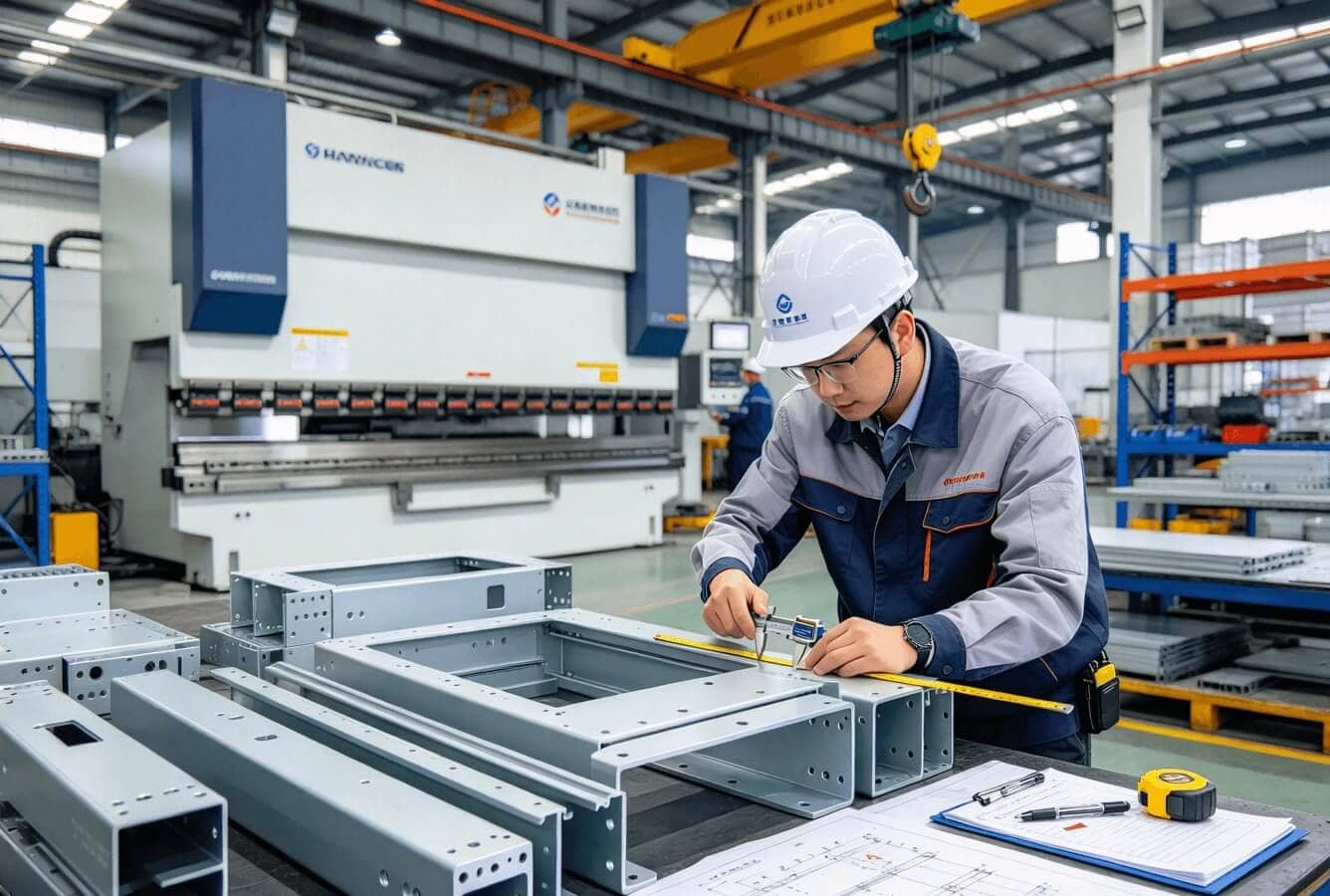
Large daily volumes of sheet metal drawings required manual review. Inspection teams worked long overtime; dimension misreads caused batch rework; when veterans left, new hires could not take over drawing reading.

Implementation Approach:

Deployed Jianhui AI Drawing Recognition with custom sheet metal dimension/tolerance templates and batch upload for automatic recognition.

Results Delivered:

Single-drawing recognition dropped from 20 minutes to 10 seconds. Inspection headcount was halved, part rework fell 40%, and dependency on senior inspectors dropped sharply. Multiple sheet metal and hardware plants in Quanzhou and Zhangzhou went live with consistent results.

10sPer-Drawing Recognition
10×Efficiency Gain
40%Rework Rate Drop
50+Drawings Processed Daily

AI Drawing Recognition Software Competitive Comparison

Jianhui AI Drawing Recognition vs mainstream drawing annotation software vs traditional manual annotation—core differences at a glance

Comparison ItemJianhui AI Drawing RecognitionMainstream Drawing Annotation SoftwareManual Annotation + Excel
Recognition Method
Balloon Drawings & Reports
Tolerance Matching
Batch Processing
System Integration
First-Article Inspection Efficiency
AI auto-recognizes dimensional tolerances and GD&T

One-click balloon drawing + inspection plan Excel
Auto match/calculate standards such as GB/T 1804
Batch upload 50+ drawings for simultaneous recognition
Native integration with QMS / data collection systems
2-hour drawing work → done in 15 minutes
Semi-automatic assisted annotation
Balloons require manual marking; reports compiled manually
Partial tolerance lookup support
Single or small-batch processing
Requires custom integration development
About 30-60 minutes
Manual dimension-by-dimension reading and annotation
Hand-drawn balloons, hand-filled Excel
Manual lookup in standard handbooks
One drawing at a time
Data isolated; no integration path
2-4 hours

*Comparison based on publicly available information; features may vary by vendor version. Jianhui AI Drawing Recognition’s core advantage is AI auto-recognition plus native connectivity across four products—closing the loop from drawing annotation to quality control. Supports custom report templates, tolerance standards, and gauge configurations to meet plant-specific inspection needs.

Product Demo

Watch the video for a clear walkthrough of AI drawing recognition

Six Core Capabilities

Covers the full drawing recognition workflow—from upload to report in one click

Full-Format Drawing Parsing

Supports PDF, JPG, PNG, scans, and photos—no CAD source files required

AI Smart Dimension Extraction

Automatically captures dimensions, tolerances, datums, hole positions, and all critical GD&T parameters

Automatic Balloon Annotation

Recognition results generate balloon annotations on the drawing so inspection items are clear at a glance

One-Click Batch Recognition

Batch-upload multiple drawings and auto-output inspection forms—up to 10× efficiency

Inspection Report Generation

Export standardized Excel inspection reports in one click—unified format ready for audits

Data Archiving & Integration

Drawing data archives automatically and can connect to quality collection and QMS for analysis

Enterprise Customization

Supports custom report templates, tolerance standards, and gauge configurations for plant-specific inspection needs

Custom Report Templates

Customize inspection report formats to company standards—headers, inspection items, judgment rules, and logo watermarks. Exported Excel reports meet customer audit requirements with no rework.

Custom Tolerance Standards

Configure tolerance judgment rules by company drawing specs and industry standards (GB/ISO/ASME). Support custom tolerance grades, fits, and GD&T datums; AI recognition auto-judges pass/fail.

Custom Gauge Configuration

Connect existing gauges (calipers, micrometers, CMMs, height gauges, air gauges, etc.). Customize gauge parameters and capture methods so measured data auto-links to drawing inspection items—no manual entry.

Recognize Drawings in Four Steps

Simple to use—inspectors can get started with little to no training

  1. 1

    Upload Drawings

    Drag or select PDF/image drawings; batch upload supported

  2. 2

    AI Auto-Parsing

    AI algorithms quickly extract all dimension and tolerance parameters

  3. 3

    Auto Annotation

    Drawings are balloon-annotated automatically; inspection items are clear and reviewable

  4. 4

    Export Reports

    Export standardized inspection reports in one click for print and archiving

Results You Can See

Real customer data: AI recognition vs manual drawing reading

10×

Drawing Reading Efficiency

From 20 minutes per drawing down to 10 seconds

95%+

Recognition Accuracy

AI denoise & enhancement—stable recognition even on blurry drawings

40%

Rework Rate Drop

Fewer scrap events from misread dimensions and missed tolerances

Flexible Deployment, Fast Go-Live

Cloud and private deployment options; standard editions go live in 2-4 weeks

SaaS Cloud Deployment

  • Ready out of the box—no server investment required
  • Automatic scheduled backups for data security
  • Annual subscription—ideal for SMEs seeking fast rollout
  • Automatic iterative upgrades with continuous algorithm improvement

Private On-Premises Deployment

  • Deployed on the plant intranet—data never leaves the site
  • Runs offline when disconnected—no impact on production lines
  • Deep integration with MES and ERP systems
  • Ideal for enterprises with strict data confidentiality needs
  1. 01

    Requirements Discovery

    Engineers visit on-site or remotely to understand drawing types and inspection workflows

  2. 02

    Template Configuration

    Configure industry-specific inspection templates and tolerance rules

  3. 03

    Pilot Run

    Test recognition on a small drawing batch and fine-tune results

  4. 04

    Official Go-Live

    Full-team training and handover, with ongoing technical support and version updates

FAQ

AI Drawing Recognition—Choose the Right Plan

SaaS: sign up and start. On-premises: keep data secure. Two options for different factory needs.

  • Supports PDF/CAD/Images
  • Auto-Generate Balloon Drawings
  • One-Click Export Inspection Sheets
Free Personal TrialEnter SaaS

Enterprise edition is more complete, with one-to-one engineer solution assessment